Captions in
An AI captioning editor. Upload a clip, refine the transcript, then shape word-level captions with creator templates, transitions, and studio audio cleanup.
About Kalakar
Kalakar turns an uploaded video into editable captions. It gives editors a word-level timeline, creator templates, and audio cleanup before export. The English project shown here sits alongside support for regional languages in native script or Roman letters.
I worked across the client and the backend: billing and regional pricing, the uploads and transcription, the caption editor, and rendering and export.
- 20Upload languages
- 200K+Users, per kalakar.io
- 97%Accuracy, up to
- 4KMax export
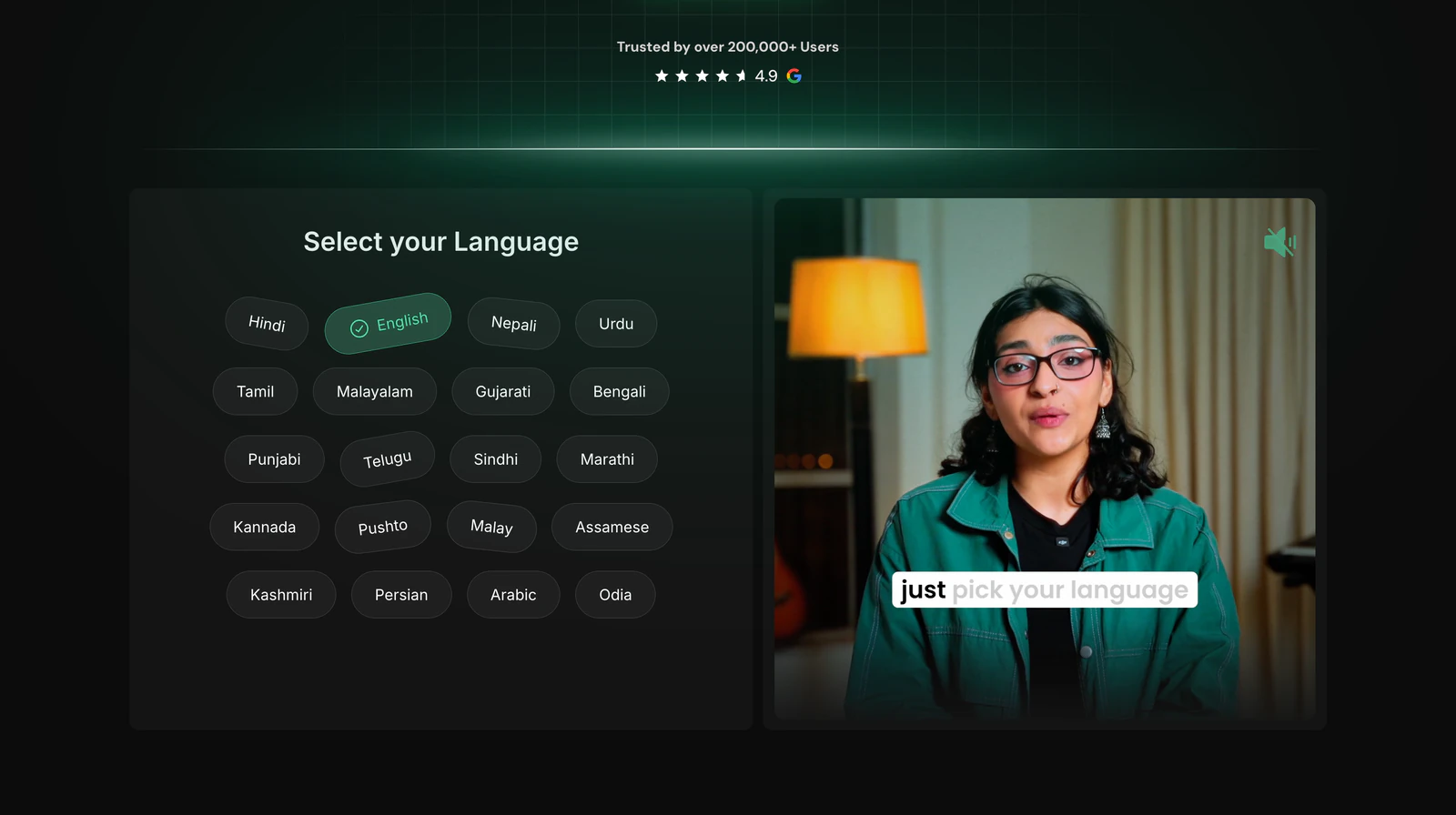
Pick the language. Then the script.
Creators across South Asia often write their own language in Roman letters, so every upload asks two questions: what language is spoken, and should the captions use its native script or Roman. Each script gets a font that renders it properly.
Once the upload finishes, transcription starts on its own and the captions open in the editor, ready to correct.
Spoken language 20 options
- हिन्दीHindi
- English
- اردوUrdu
- नेपालीNepali
- தமிழ்Tamil
- മലയാളംMalayalam
- ગુજરાતીGujarati
- বাংলাBengali
- ਪੰਜਾਬੀPunjabi
- తెలుగుTelugu
- سنڌيSindhi
- मराठीMarathi
- ಕನ್ನಡKannada
- پښتوPashto
- MelayuMalay
- অসমীয়াAssamese
- کٲشُرKashmiri
- فارسیPersian
- العربيةArabic
- ଓଡ଼ିଆOdia
Script
aapkoinfiraaditafseelaatkebaaremein
Every word on its own track
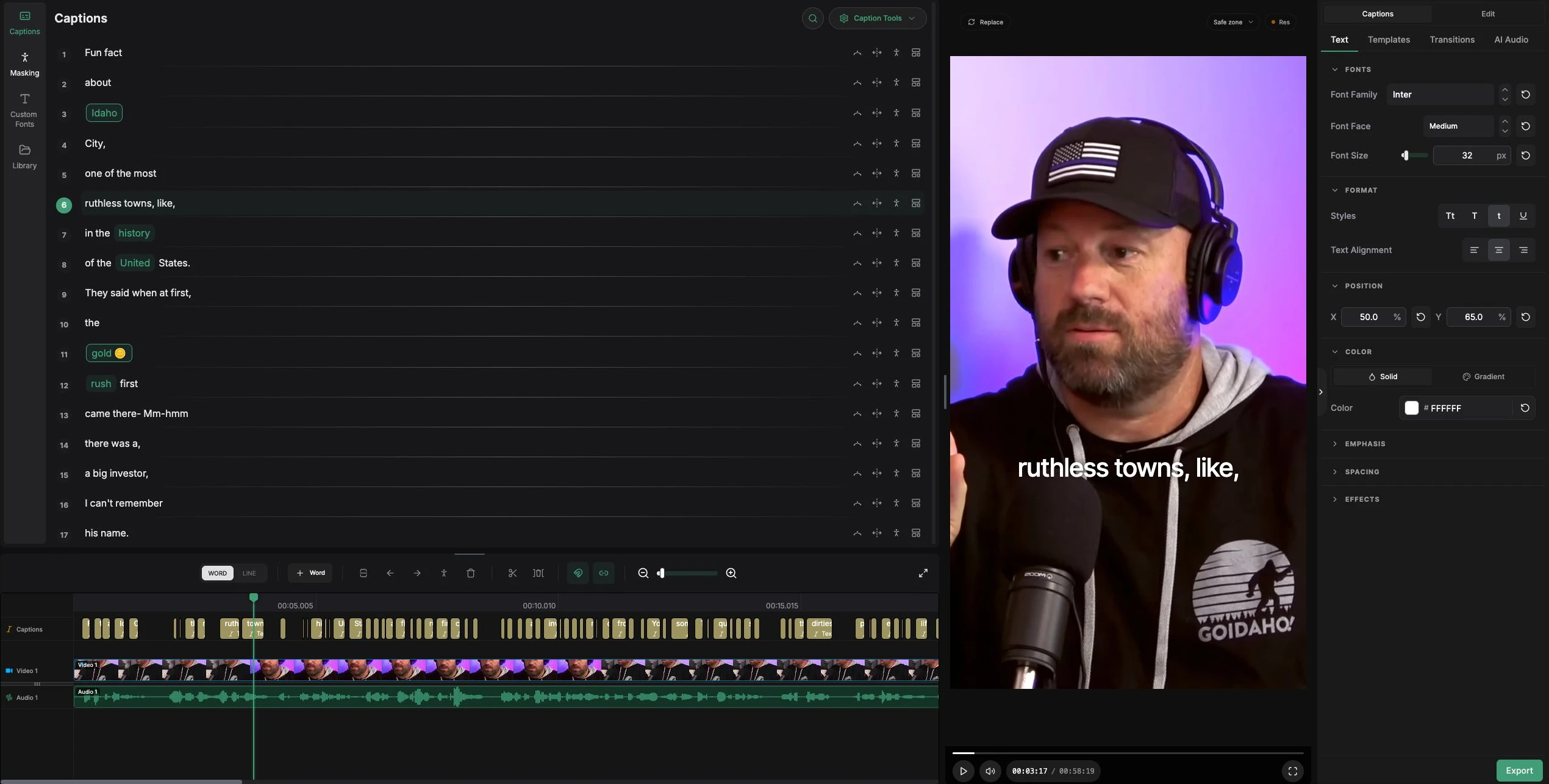
The editor pairs the caption list with a word-level timeline and a live Remotion preview. Scroll to walk through it.
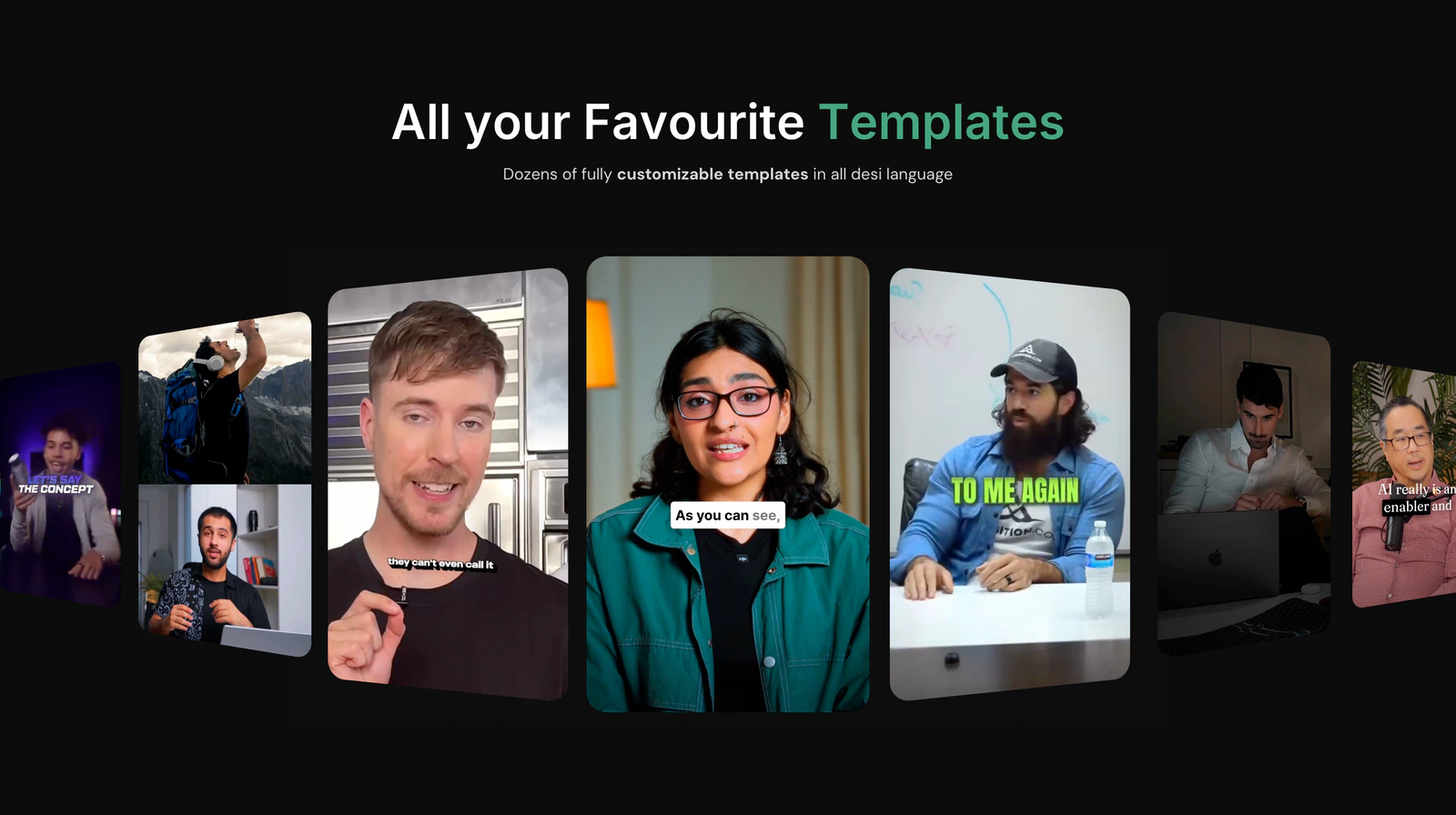
Templates from the creators people already watch
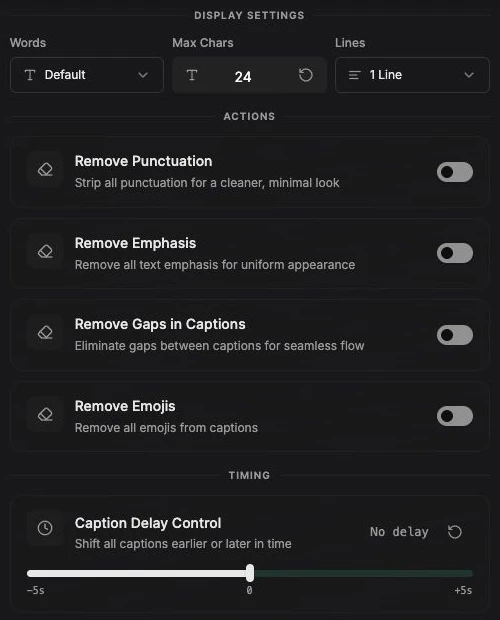
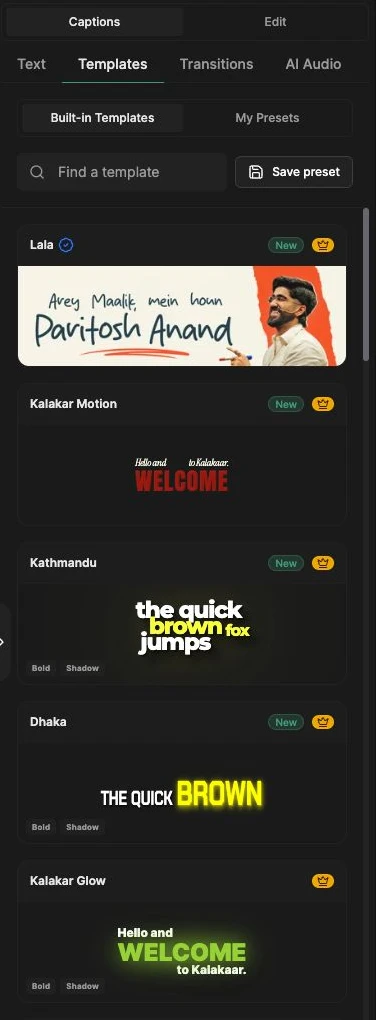
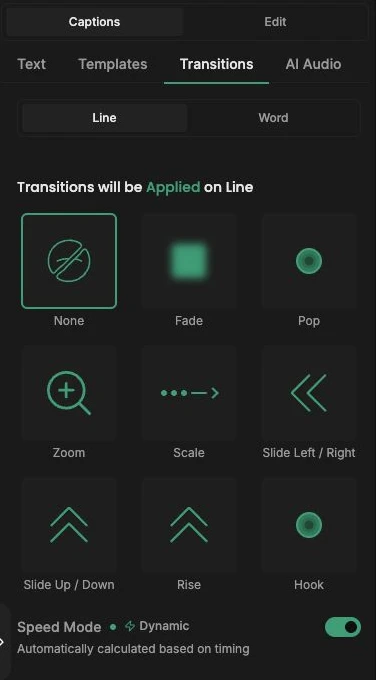
Built-in templates, saved presets, emphasis and spotlight styling, and line or word transitions with a dynamic speed that follows the timing. Caption tools clean the output in one place: words per caption, line count, punctuation, emojis, gaps, and a global delay.
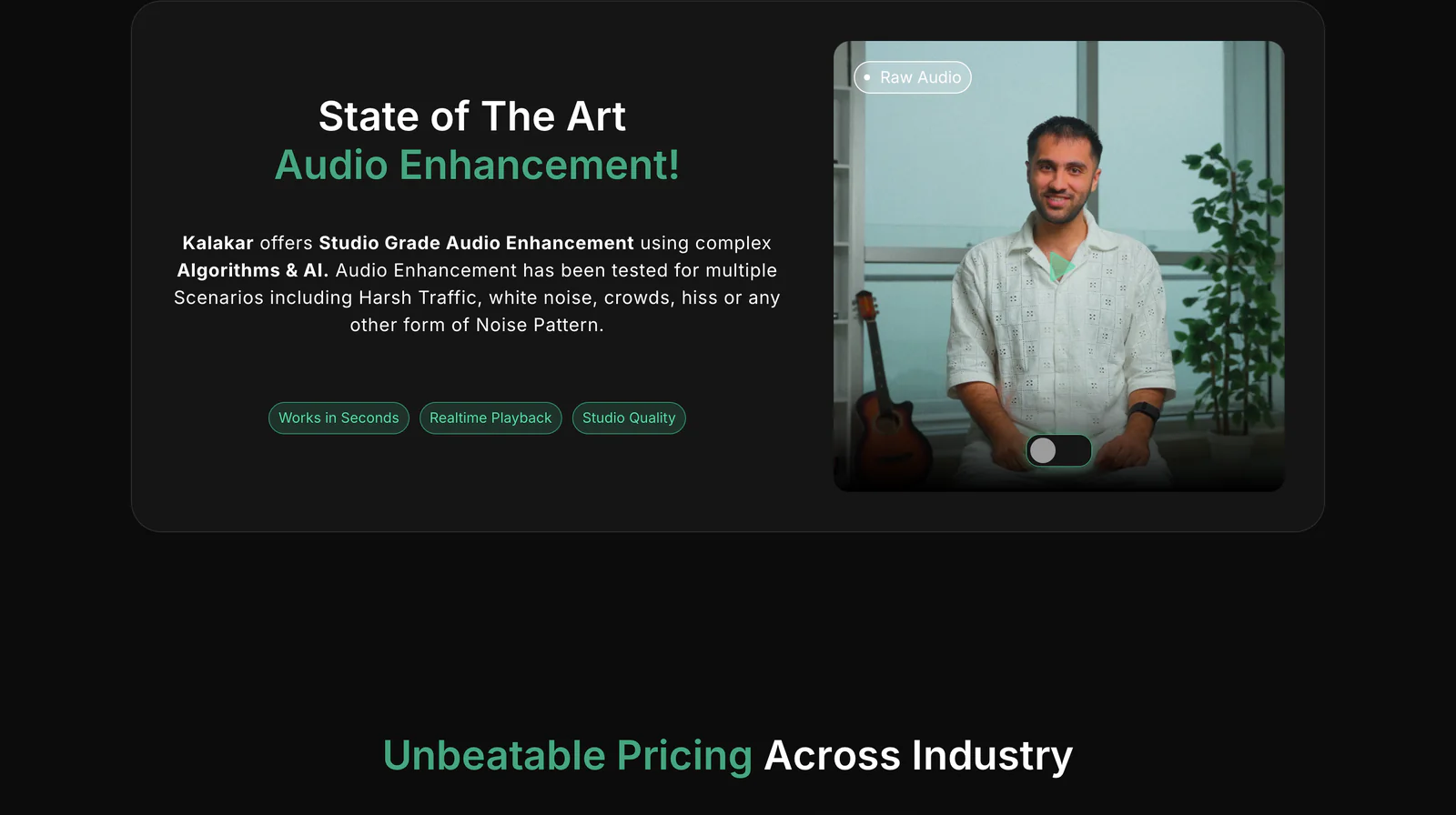
Studio audio, one toggle away
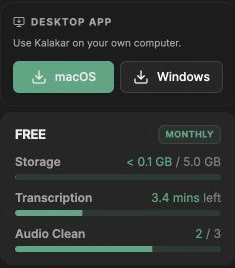
AI Audio removes background noise and music, powered by ElevenLabs. It runs per video, and each clean uses one of the plan's audio credits.
Out of the browser and into any edit
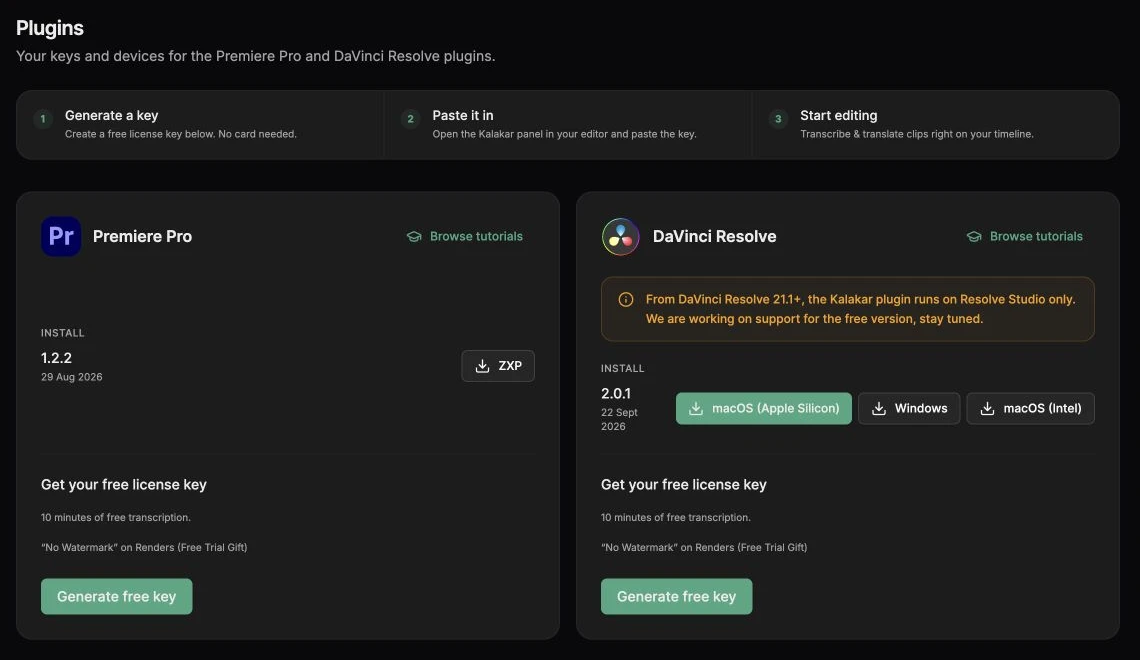
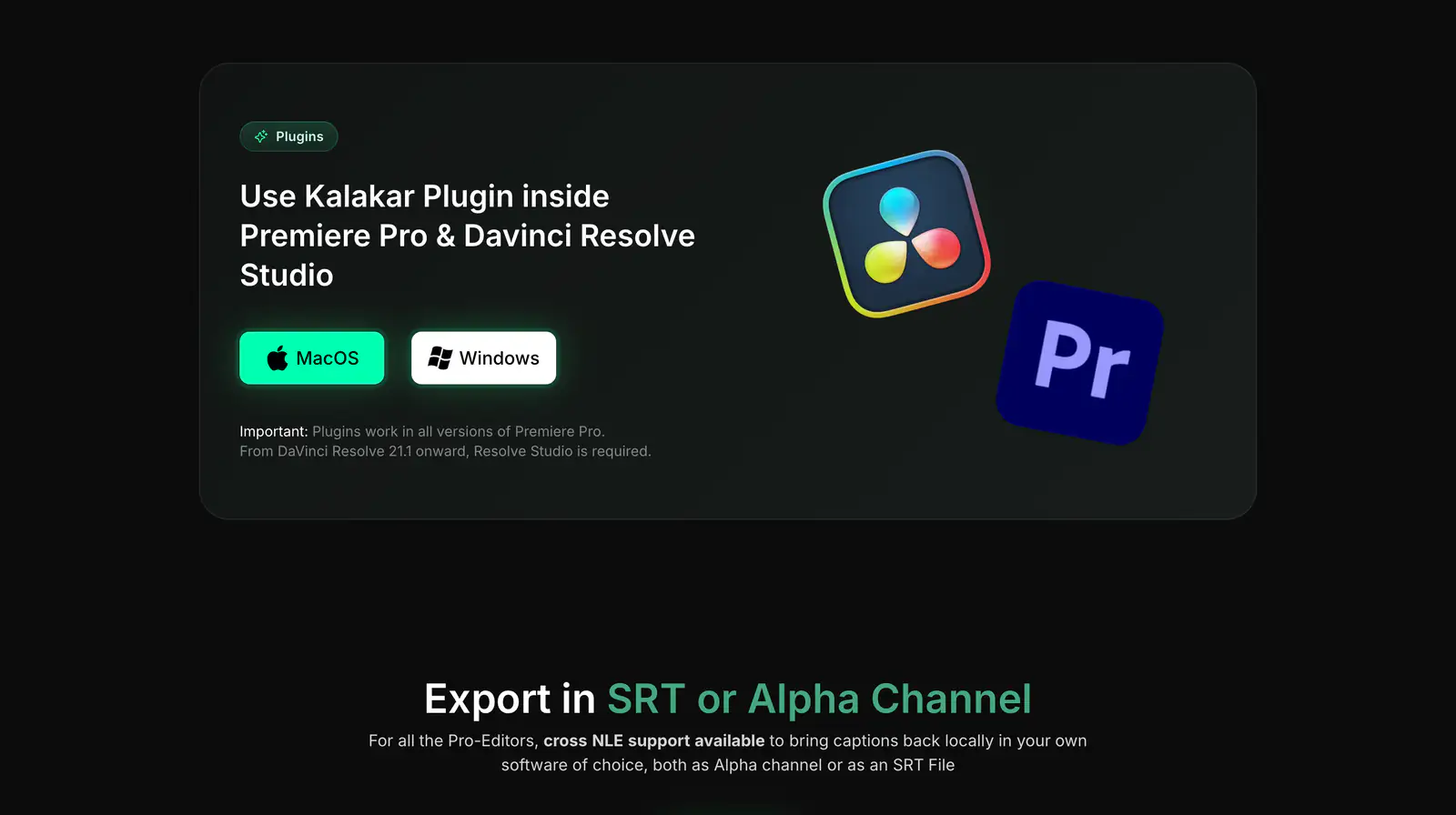
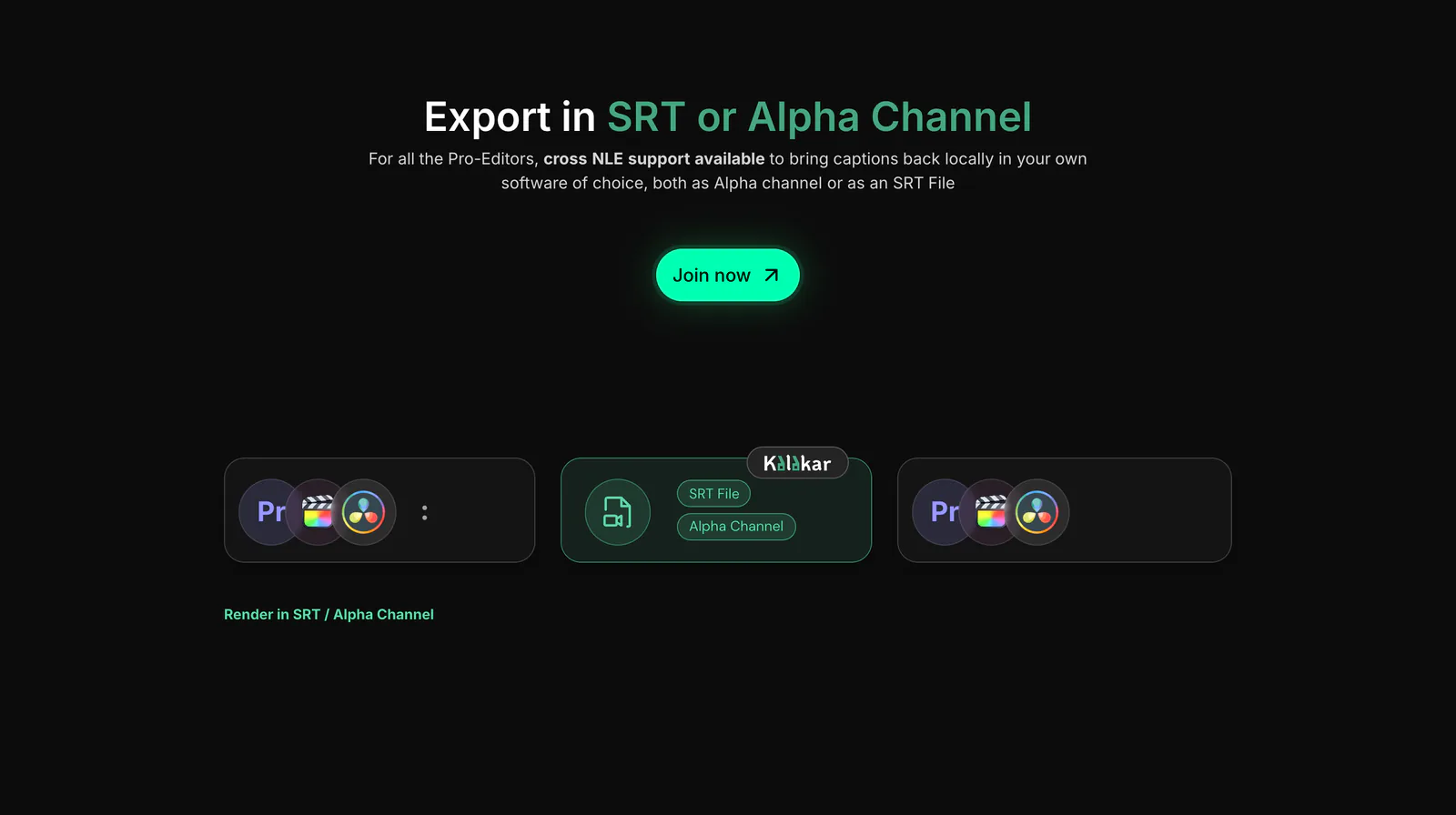
Export burned-in video up to 4K, a transparent alpha-channel overlay, or an SRT file. Premiere Pro and DaVinci Resolve editors can also run Kalakar as a plugin, activated with a license key.
Video
Captions burned into the clip, up to 4K at 60 fps.
- 720p
- 1080p
- 4K
- 60 fps
Alpha channel
Captions only, on a transparent background, to drop over any edit.
- Premiere Pro
- DaVinci Resolve
SRT
Timed subtitle files for any player or platform.
- .srt
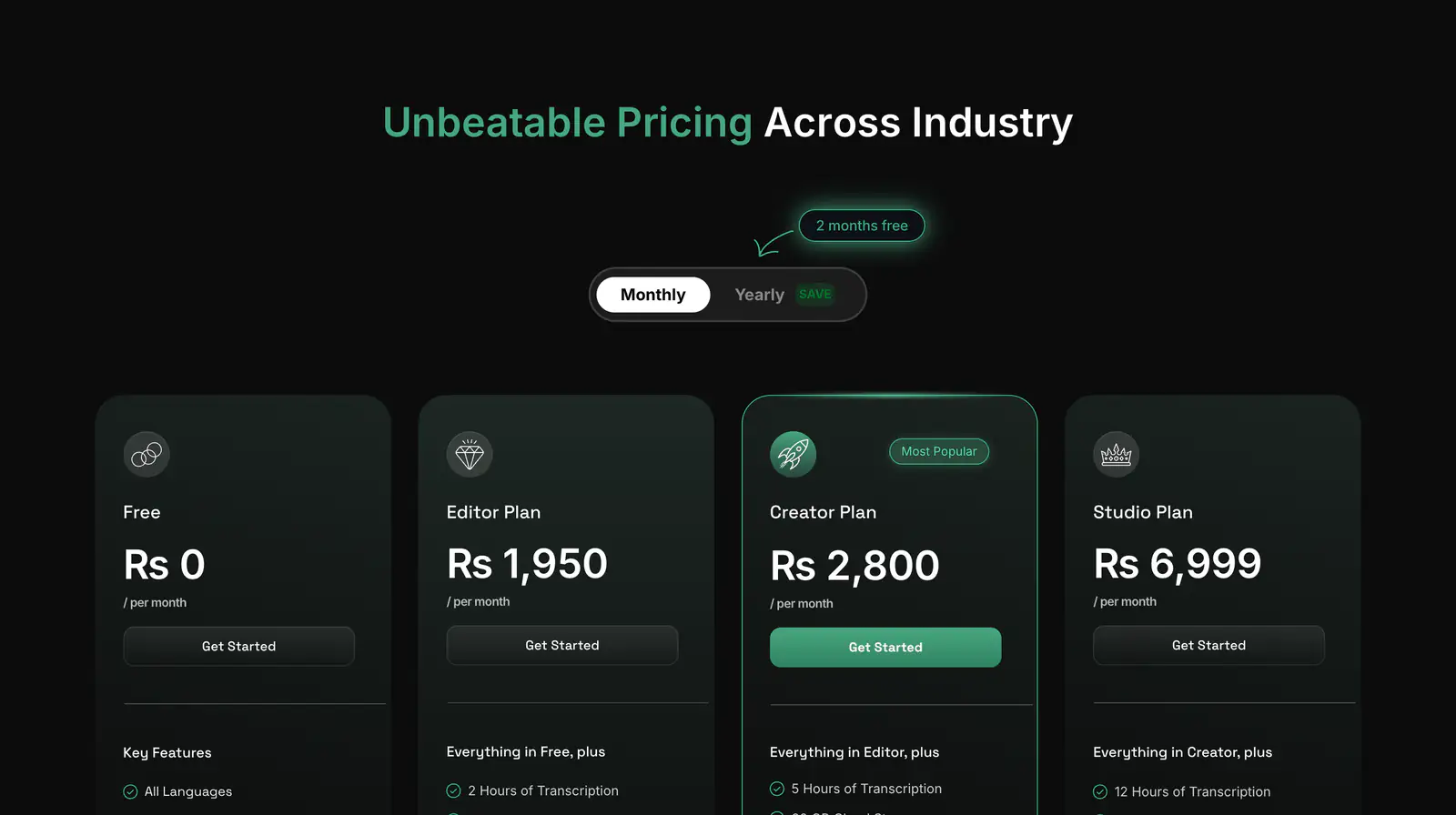
Priced in the viewer's currency
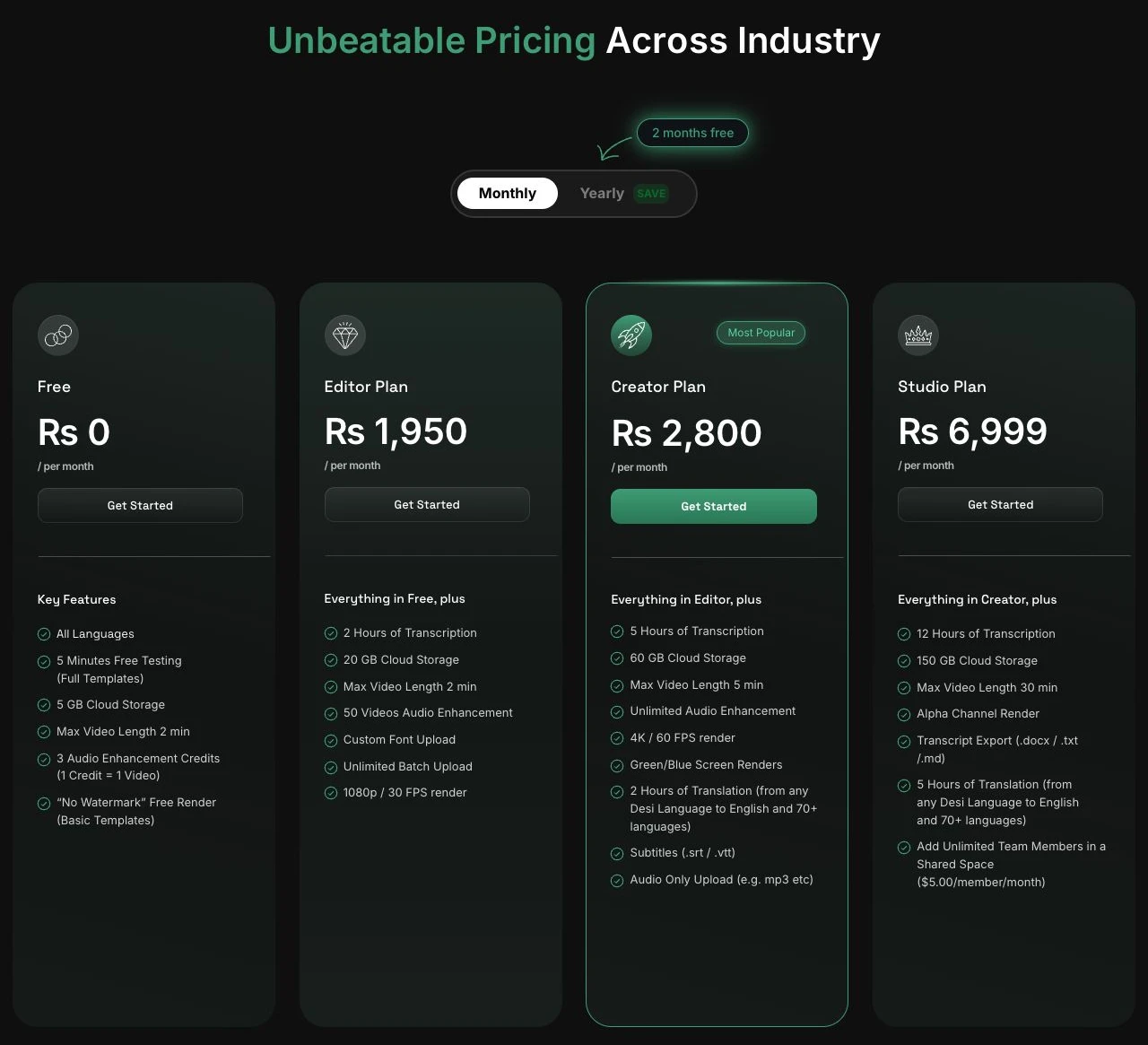
I built billing end to end: checkout and the customer portal on Stripe, subscription changes and failed payments, and plan limits for transcription minutes, storage, and audio credits, shown live in the sidebar.
Prices resolve from the visitor's country into USD, PKR, INR, BDT, or NPR.
Rs 1,950/ month · Editor plan
Monthly PKR pricing verified on kalakar.io on 2 October 2026.
kalakar.io
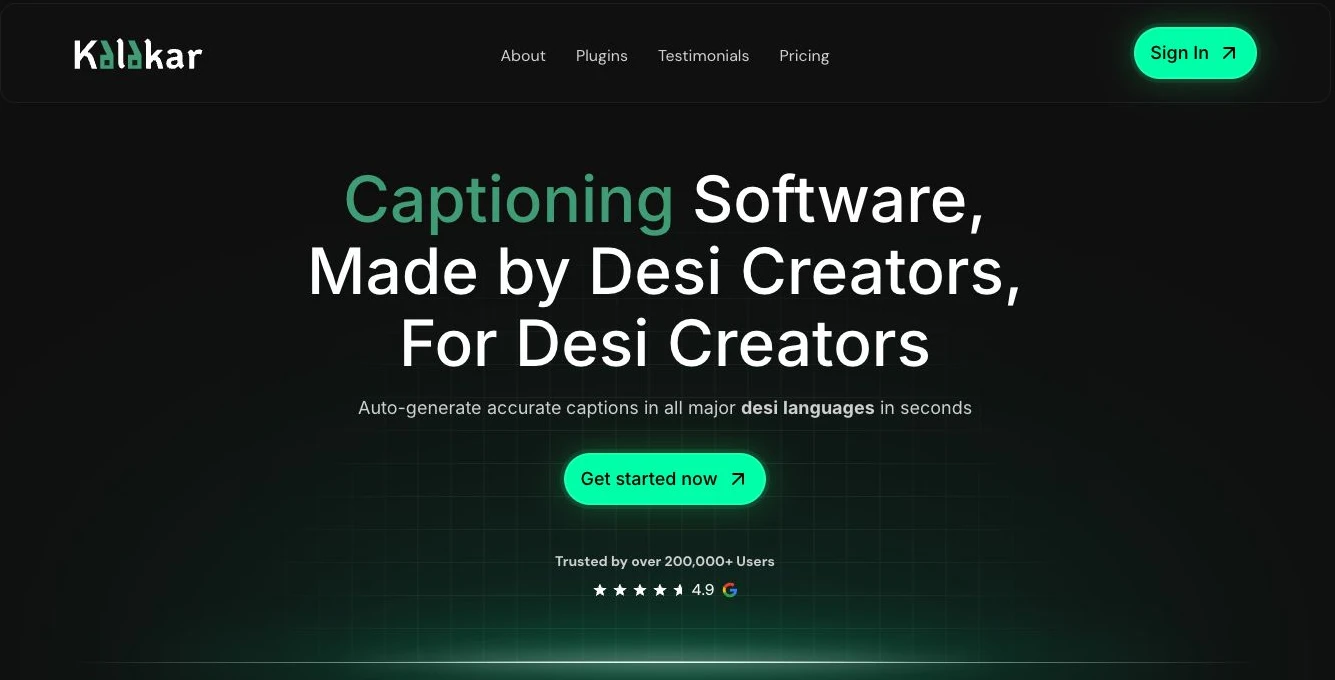
The marketing site walks through the same features: languages, creator templates, plugins, export, audio, and regional pricing.
What it runs on
Client
- React
- TypeScript
- Vite
- Tailwind CSS
- Radix UI
- Zustand
- TanStack Query
- React Router
- React Hook Form
- Remotion Player
- WaveSurfer.js
- Framer Motion
Backend & data
- Node.js
- Express
- Supabase
- Stripe
AI & media
- AssemblyAI
- ElevenLabs
- OpenAI
- Remotion
Cloud & tooling
- AWS
- Cloudflare
- Turborepo